
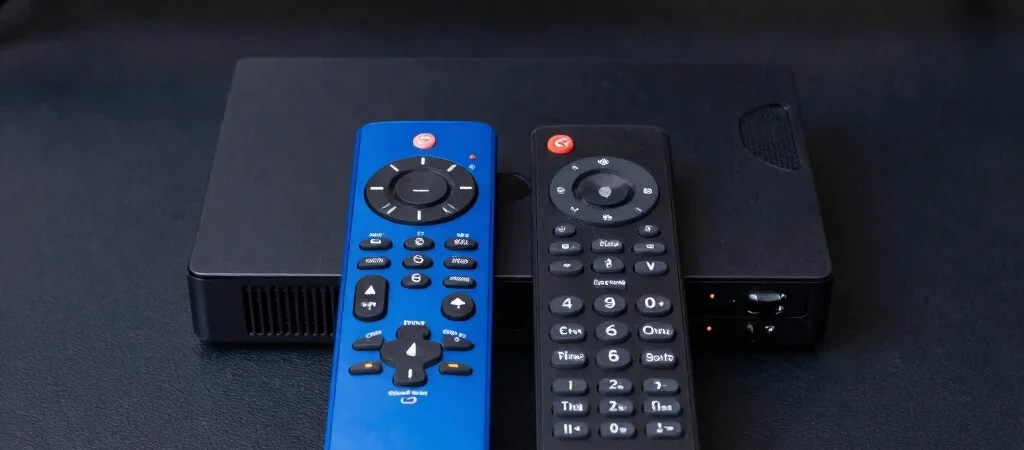
Two streaming devices can look nearly identical in an online listing and still suit different households. The useful comparison starts with your current TV and the services you actually use, not a long feature list or an unsupported claim that one device is best for everyone.
Start with the television
Check the TV’s available HDMI inputs and the resolution it supports, then compare those details with the device’s current manufacturer specifications. If the TV is mounted close to a wall, consider whether a connected device will fit comfortably and whether a short HDMI extender is recommended or included. For an older set, confirm that the device and the TV can work together before ordering.
Match the device to your habits
Think about who will use the remote, which streaming apps need to be available, and whether you want voice controls or a simple set of buttons. Check each feature on the manufacturer’s current product page and verify app availability directly with the service, since compatibility and features can vary by model and region. If you mainly watch in one room, a feature you will rarely use may matter less than an easy setup.
Compare with a clear checklist
Write down the TV’s inputs and resolution, your must-have apps, your Wi-Fi situation, and the controls that would make daily use easier. Then compare specific models against that list and check the details again before buying, especially when product names are similar. If this guide includes affiliate links, they may earn the publisher a commission; that does not replace checking the specifications or deciding whether the device fits your setup.